Azure Marketplace
One of the most straight forward method to start using Terminology Server is using the Azure Marketplace. Using Azure Marketplace, the Terminology Server will be deployed on your Azure Virtual machine with just a few clicks. There is a Software Price and Azure Infrastructure price associated this with this installation method (Details are in the product page in Azure Marketplace)
Visit the product page on Azure Marketplace and follow the instructions to subscribe and deploy
Steps to get started:
- Subscribe to the product on the Azure Marketplace by using the
Get It Nowbutton.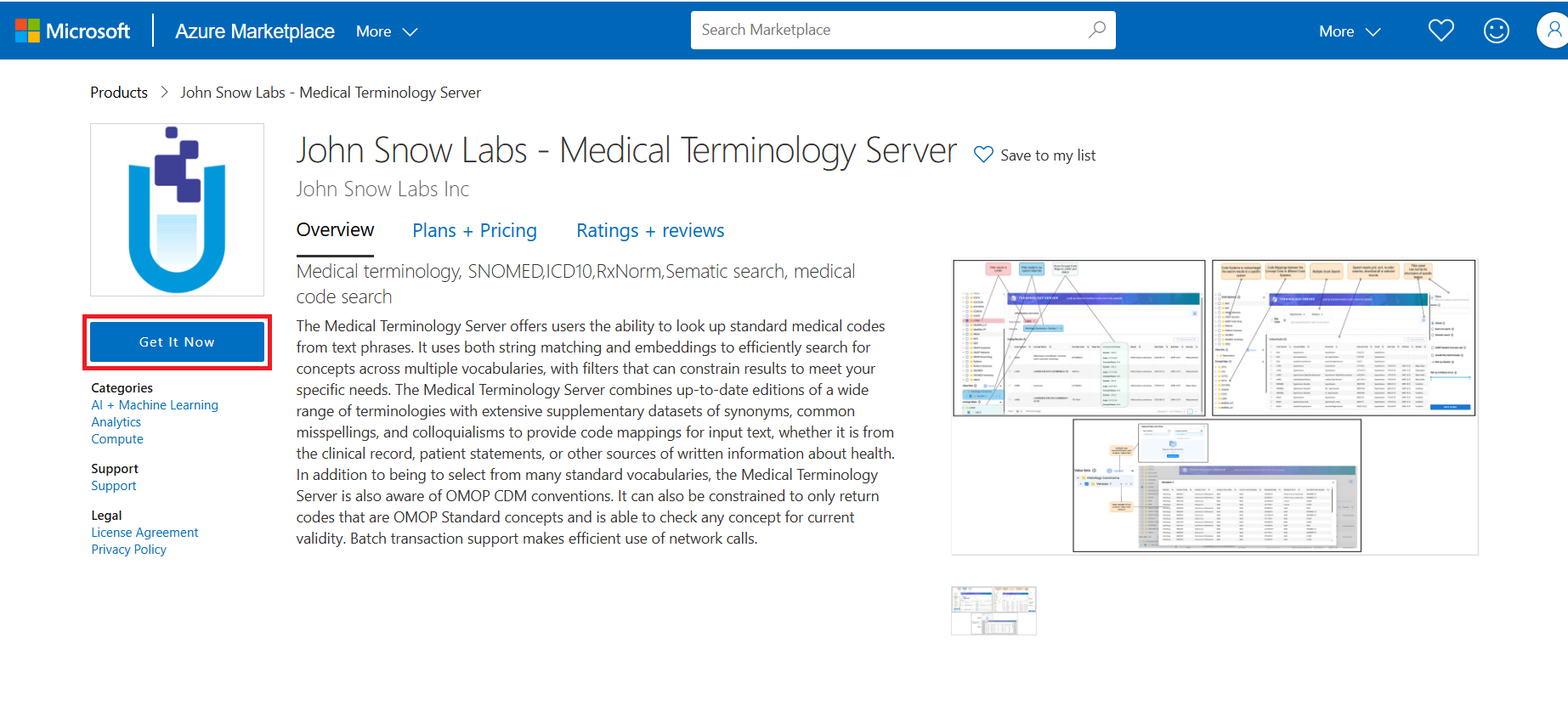
-
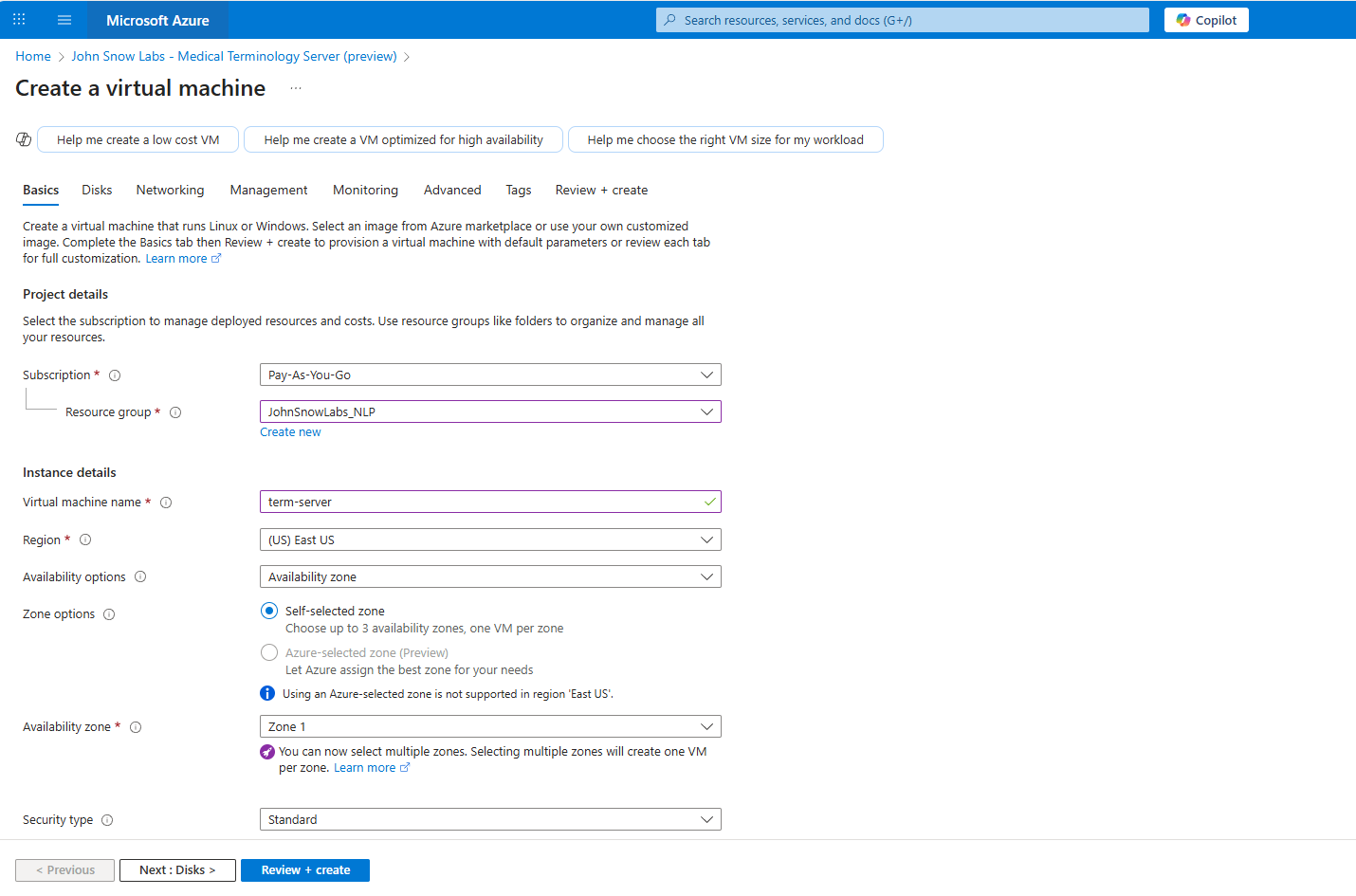
Once subscribed, deploy it on a new machine
-
After deployment, the application will be accessible on http://INSTANCE_IP.
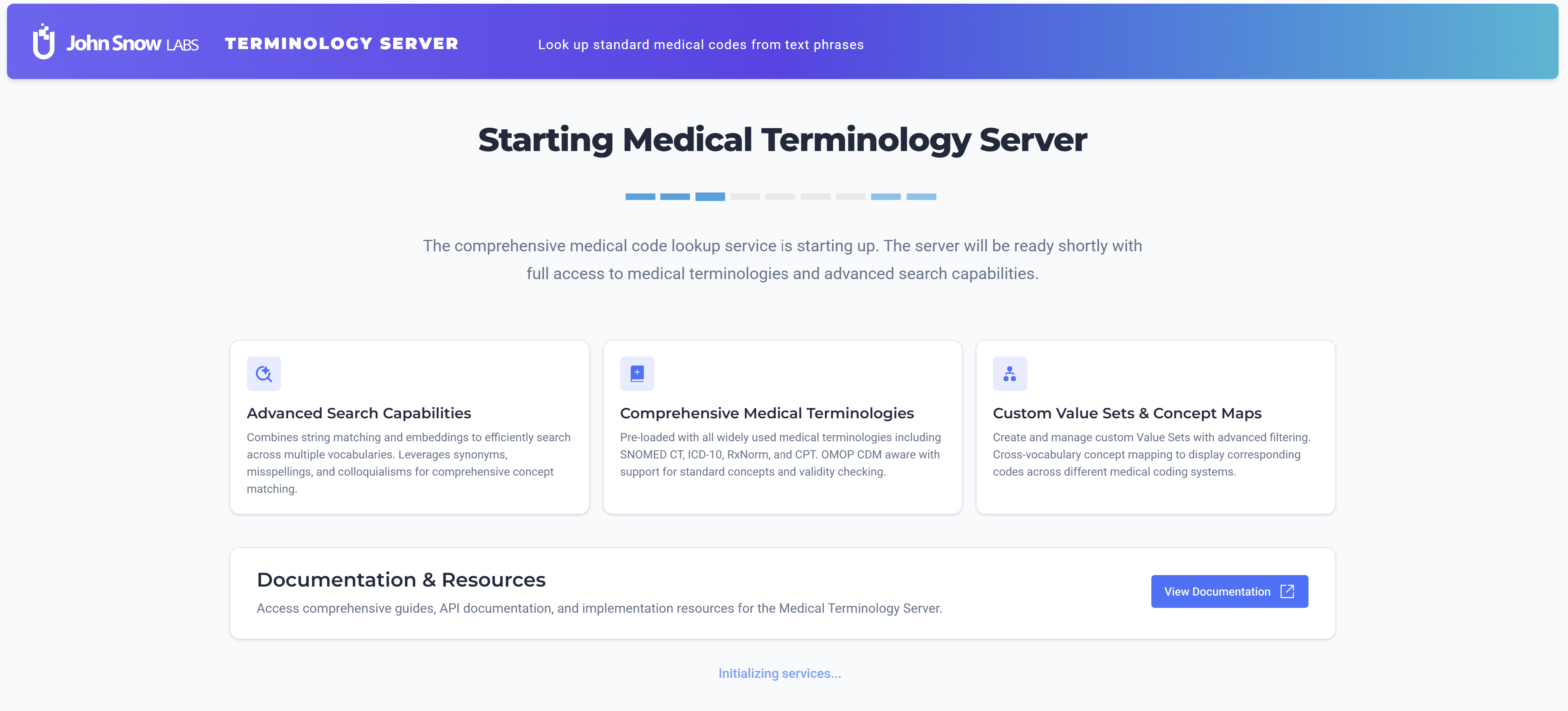
It takes around 20 minutes for the services to be up and running. You will see a loading screen while the services are being configure.
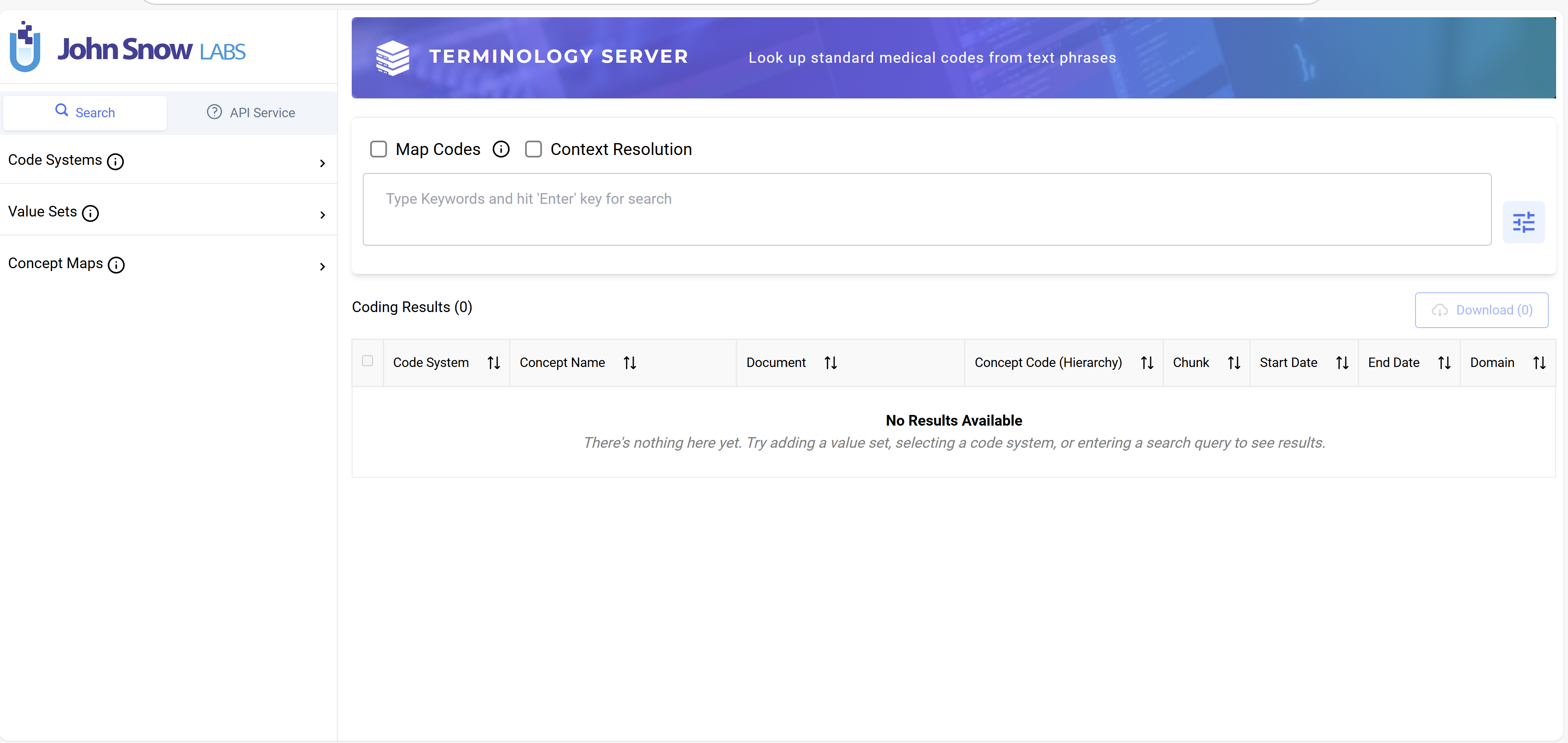
- Once the services are up, you can login to the Terminology Server UI using the following credentials:
- Username: admin@term.server
- Password: «subscription_id» (You can find the subscription id in the Azure portal)
Secure access to Azure VM with https
- Associate Public IP to Azure Virtual Machine Instance. link [https://learn.microsoft.com/en-us/azure/virtual-network/ip-services/associate-public-ip-address-vm?tabs=azure-portal]
- Copy the public IP address after it has been associated with the VM.
- Create a Azure Front Door CDN and associate it with the VM we created in the previous step.
- Open Azure Portal, search for the service Deploy custom templates.
- Select Build your own template in the editor.
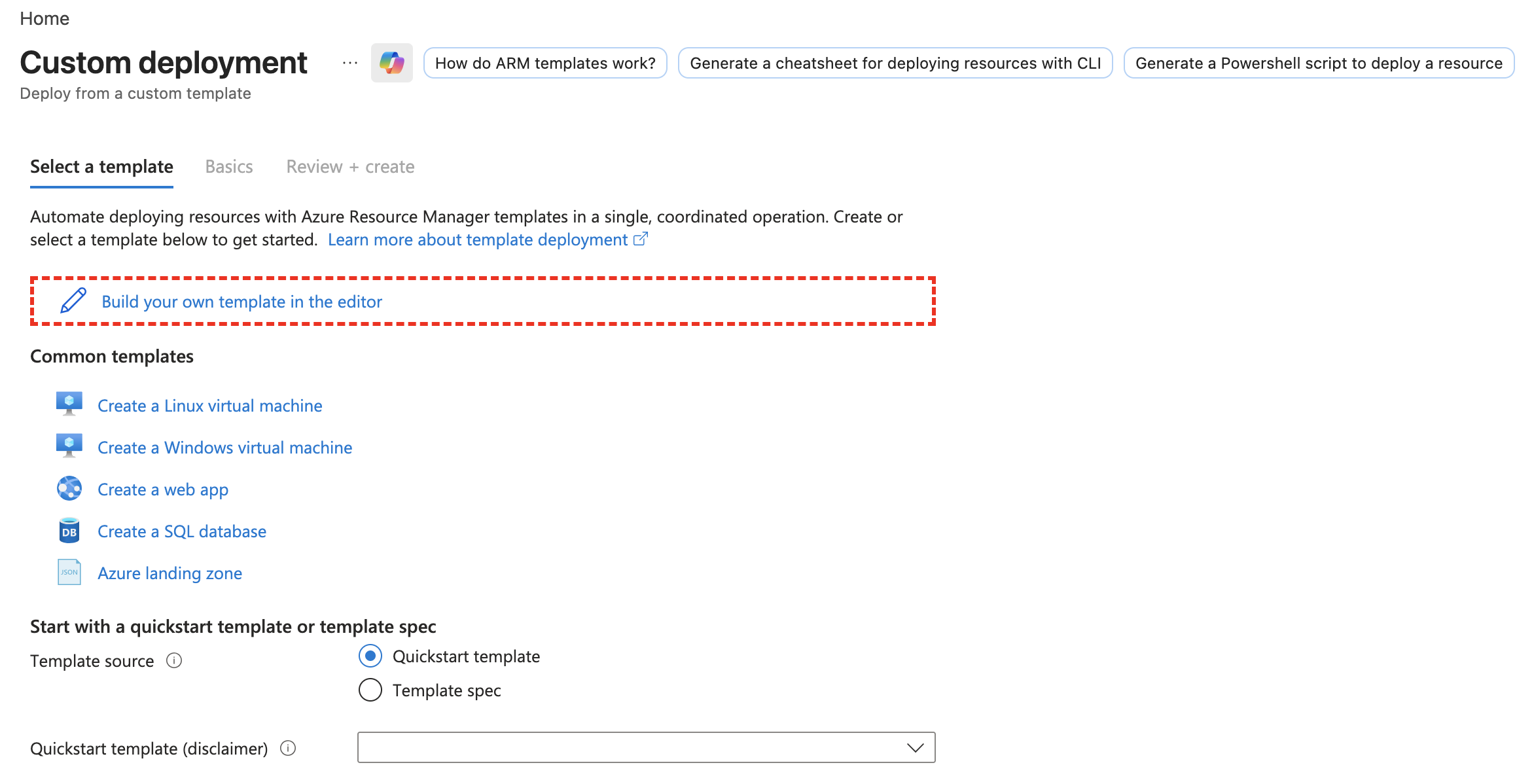
-
arm-template-fd.json{ "$schema": "https://schema.management.azure.com/schemas/2019-04-01/deploymentTemplate.json#", "contentVersion": "1.0.0.0", "parameters": { "Resource Name": { "defaultValue": "your resource", "type": "String", "metadata": { "description": "Name of the resource." } }, "originHostName": { "defaultValue": "", "type": "String", "metadata": { "description": "The host name or IP address of the origin." } } }, "variables": {}, "resources": [ { "type": "Microsoft.Cdn/profiles", "apiVersion": "2025-09-01-preview", "name": "[parameters('Resource Name')]", "location": "Global", "sku": { "name": "Standard_AzureFrontDoor" }, "kind": "frontdoor", "properties": { "originResponseTimeoutSeconds": 60 } }, { "type": "Microsoft.Cdn/profiles/afdendpoints", "apiVersion": "2025-09-01-preview", "name": "[concat(parameters('Resource Name'), '/', parameters('Resource Name'))]", "location": "Global", "dependsOn": [ "[resourceId('Microsoft.Cdn/profiles', parameters('Resource Name'))]" ], "properties": { "enabledState": "Enabled", "enforceMtls": "Disabled" } }, { "type": "Microsoft.Cdn/profiles/origingroups", "apiVersion": "2025-09-01-preview", "name": "[concat(parameters('Resource Name'), '/', parameters('Resource Name'))]", "dependsOn": [ "[resourceId('Microsoft.Cdn/profiles', parameters('Resource Name'))]" ], "properties": { "loadBalancingSettings": { "sampleSize": 4, "successfulSamplesRequired": 3, "additionalLatencyInMilliseconds": 100 }, "healthProbeSettings": { "probePath": "/", "probeRequestType": "HEAD", "probeProtocol": "Http", "probeIntervalInSeconds": 100 }, "sessionAffinityState": "Disabled" } }, { "type": "Microsoft.Cdn/profiles/origingroups/origins", "apiVersion": "2025-09-01-preview", "name": "[concat(parameters('Resource Name'), '/', parameters('Resource Name'), '/ts-v401')]", "dependsOn": [ "[resourceId('Microsoft.Cdn/profiles/origingroups', parameters('Resource Name'), parameters('Resource Name'))]", "[resourceId('Microsoft.Cdn/profiles', parameters('Resource Name'))]" ], "properties": { "hostName": "[parameters('originHostName')]", "httpPort": 80, "httpsPort": 443, "priority": 1, "weight": 1000, "enabledState": "Enabled", "enforceCertificateNameCheck": true } }, { "type": "Microsoft.Cdn/profiles/afdendpoints/routes", "apiVersion": "2025-09-01-preview", "name": "[concat(parameters('Resource Name'), '/', parameters('Resource Name'), '/', parameters('Resource Name'))]", "dependsOn": [ "[resourceId('Microsoft.Cdn/profiles/afdendpoints', parameters('Resource Name'), parameters('Resource Name'))]", "[resourceId('Microsoft.Cdn/profiles', parameters('Resource Name'))]", "[resourceId('Microsoft.Cdn/profiles/origingroups', parameters('Resource Name'), parameters('Resource Name'))]", "[resourceId('Microsoft.Cdn/profiles/origingroups/origins', parameters('Resource Name'), parameters('Resource Name'), 'ts-v401')]" ], "properties": { "customDomains": [], "grpcState": "Disabled", "originGroup": { "id": "[resourceId('Microsoft.Cdn/profiles/origingroups', parameters('Resource Name'), parameters('Resource Name'))]" }, "ruleSets": [], "supportedProtocols": [ "Https" ], "patternsToMatch": [ "/*" ], "forwardingProtocol": "HttpOnly", "linkToDefaultDomain": "Enabled", "httpsRedirect": "Enabled", "enabledState": "Enabled" } } ] } - Copy the contents of the file shown above
arm-template-fd.json - Save the template
- In the input parameter jsl_res_name, enter the resource name to give to the front door instance.
- In the input parameter originHostName, enter the public ip address of the vm that was copied before.
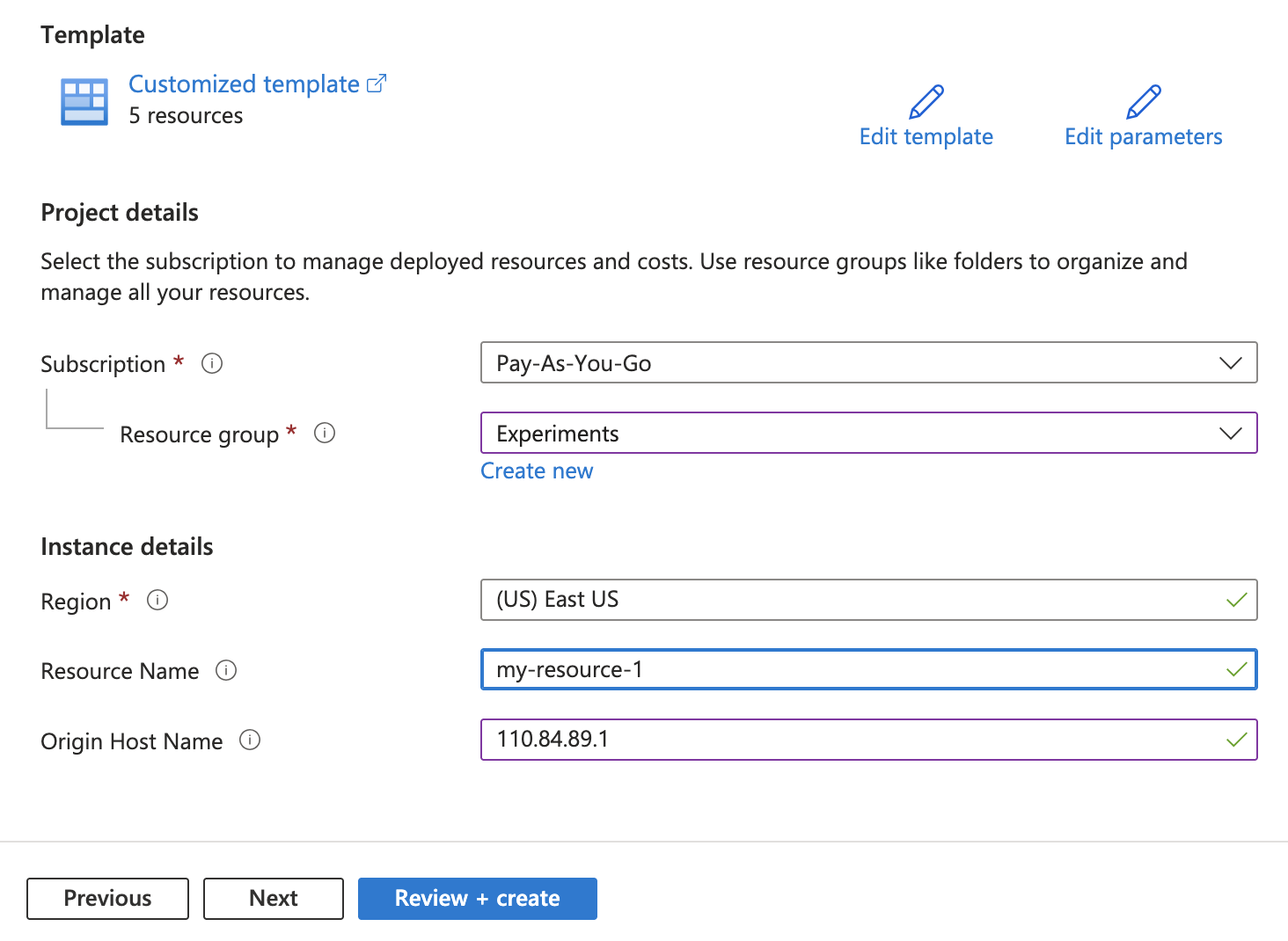
- Select review + create, and create the resources.
- Once successfully created, the https url will available in the Front Door resource. It may take upto 30 minutes for the https url to work.
- Copy the URL of the FrontDoor instance
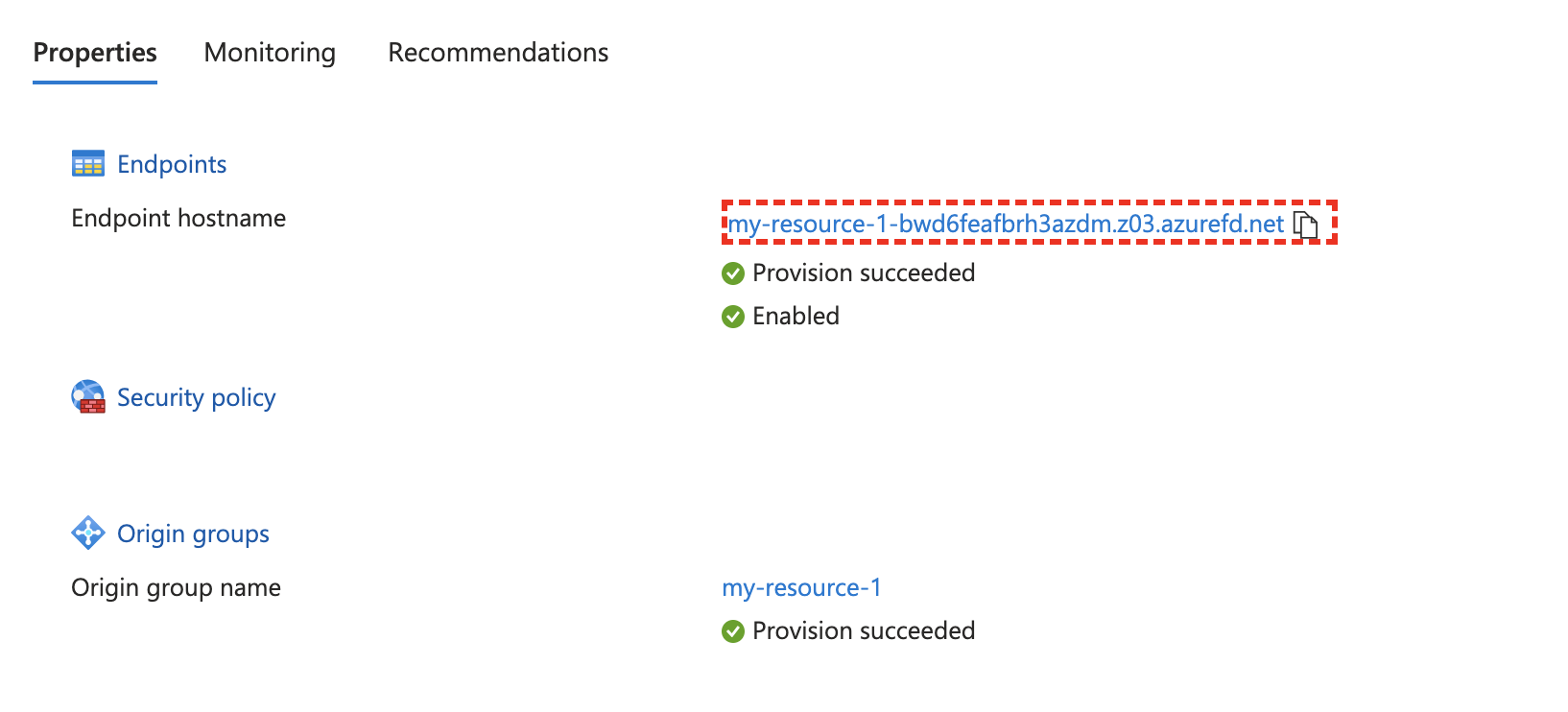
- Update the Terminology Server services in Azure VM instance.
- SSH into the VM instance where Terminology Server is running.
- Cd to home dir, Replace the output_url in the cmd below with the url from step 3, then Execute the cmd in your Terminology Service Instance.
curl -sSL https://s3.us-east-1.amazonaws.com/artifacts.terminologyservice.johnsnowlabs.com/upgrade.sh | bash -s "output_url"